Skip to content
EstateSail

Built for the complete sale

The tools a sale needs, in the order you use them.

EstateSail keeps the floor, the office, and optional online sales on one inventory. Your crew can move from setup to checkout and reporting without rebuilding the work in another system.

Inventory and pricing

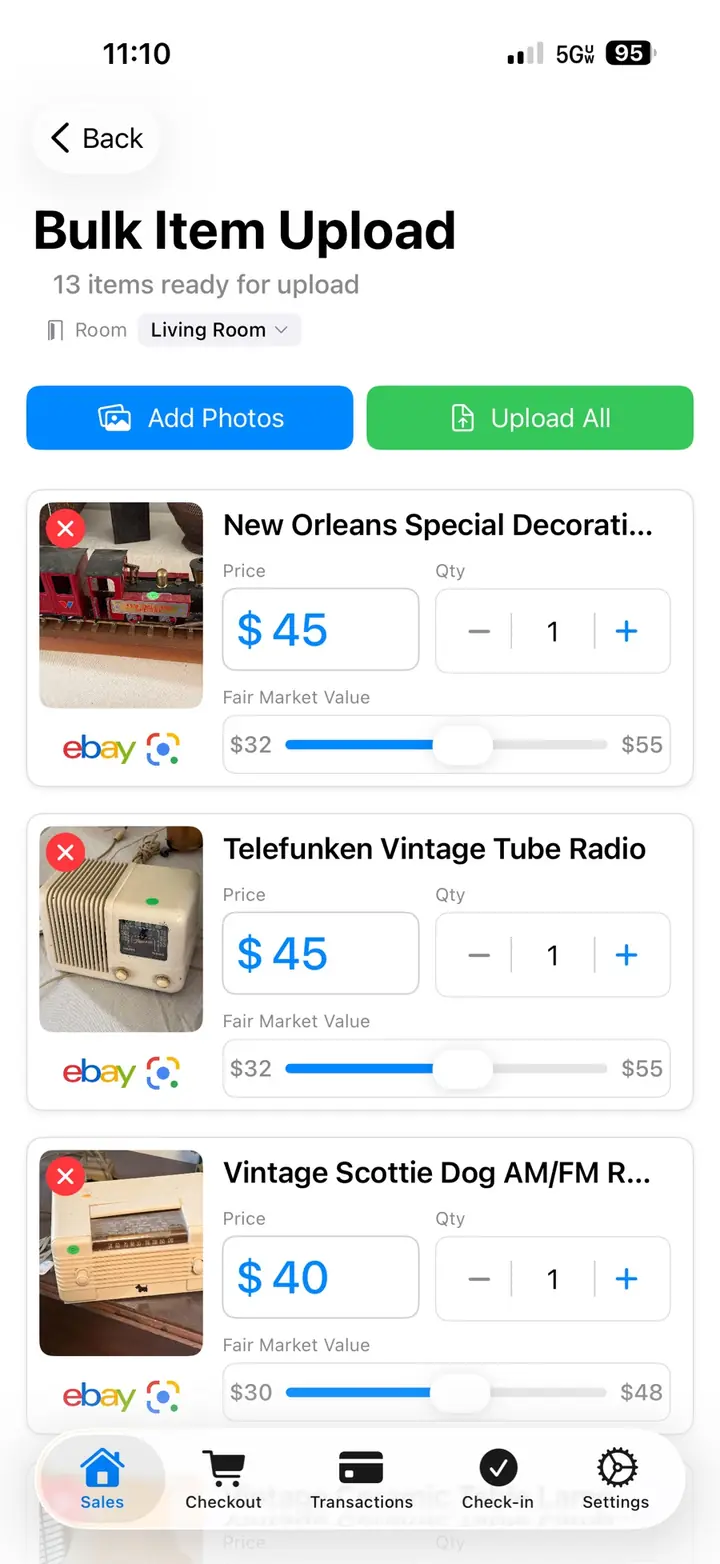
  • Photograph an item. AI drafts a title, category, and price range for your review.
  • Several photos per item. Bulk image upload on the web dashboard.
  • Google Lens and eBay sold listings when you want more pricing context.
  • Custom pricing rules per sale, including a floor and a ceiling.
  • Rooms, so staging and the report can follow the house.
  • Duplicate items or rooms into the next sale.
  • CSV import and export when a spreadsheet already exists.
Labels

  • Barcoded labels printed from inventory, with title, price, and room.
  • Print from your phone, including on sale day.
  • Bulk print for the sale, then reprint the one label that changed.
  • Scan the same code at checkout so inventory and the register use one price.

Checkout and payments

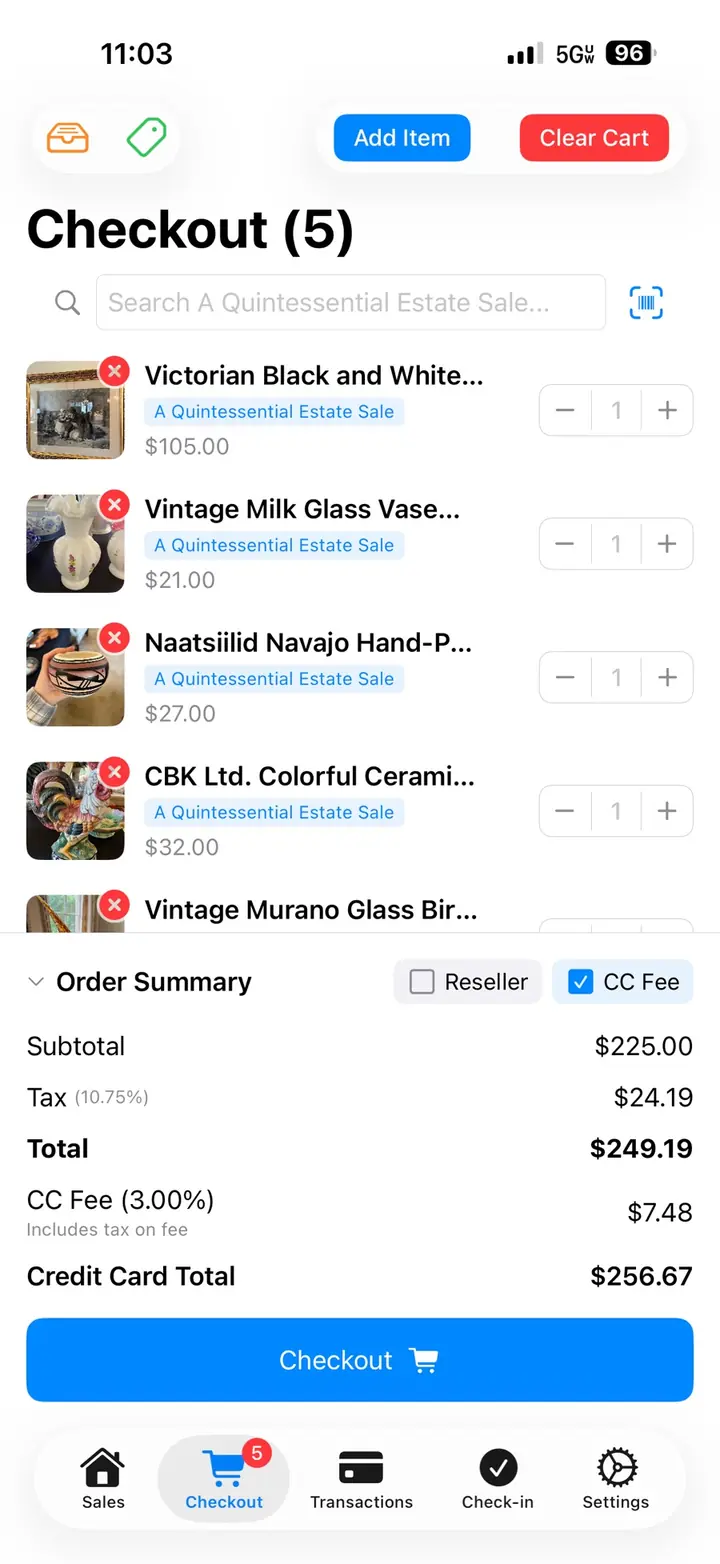
  • Scan into a cart. Park a cart and bring it back.
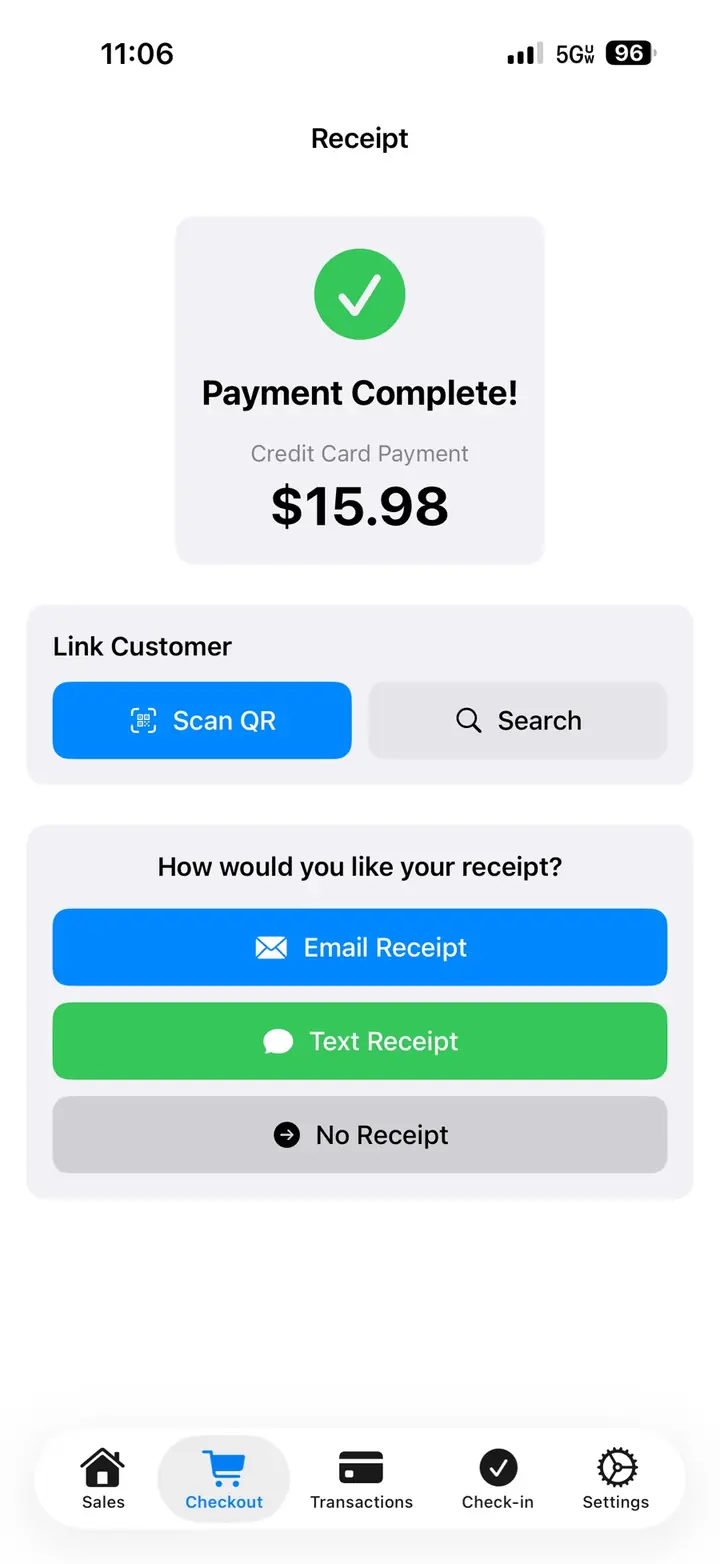
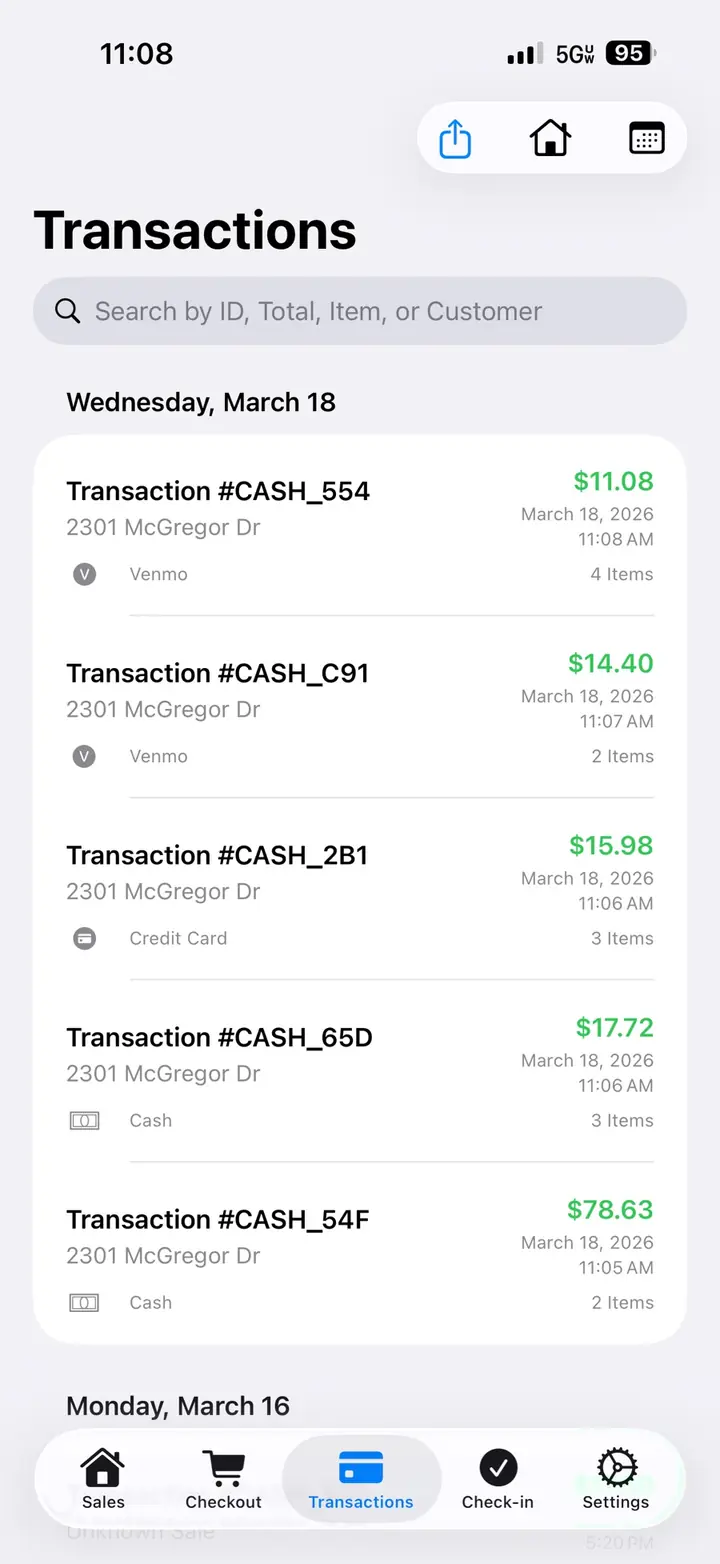
  • Cash, card, and split tenders, with an itemized email receipt.
  • Checkout with Square or Stripe.
  • Square also supports Tap to Pay on iPhone in the app.
  • Tax and card-fee tracking on the Square tender.
  • More than one register on the same sale, in real time.

The door

  • A public check-in link. Queue numbers and a QR code for each customer.
  • Waiting, arrived, and no-show on every device.
  • The queue can reset each sale day on a multi-day sale.
  • Customer records your team can use at future sales.

Team

  • Each person has their own login. No shared password.
  • Pro includes up to 8 people.
  • Permissions for inventory, check-in, checkout, reports, and export.
  • Limit a person to specific sales.

Reports and the web dashboard

  • Revenue, items sold, and category performance while the sale is open.
  • Client-ready reports, PDF and CSV.
  • Desktop editing, bulk price changes, and sale settings.
  • Whatnot CSV export when you sell on that channel too.
  • QuickBooks-ready export for the books.

Online sales

  • Optional listings on the EstateSail marketplace at estatesail.us.
  • List from the inventory you already priced, without building a second list.
  • In-person sales update what shoppers can still buy online.
  • Sell in person, online, or both.

iPhone, iPad, and the office

  • Native iOS app for capture, labels, the door, and checkout.
  • Camera, barcode scan, and Face ID or Touch ID.
  • Web dashboard for the work that belongs at a desk.
  • The iOS app and web dashboard stay in sync.

Planned work includes marketplace auctions, marketing tools, and expanded client records. Those features are not available yet.

See EstateSail at work.

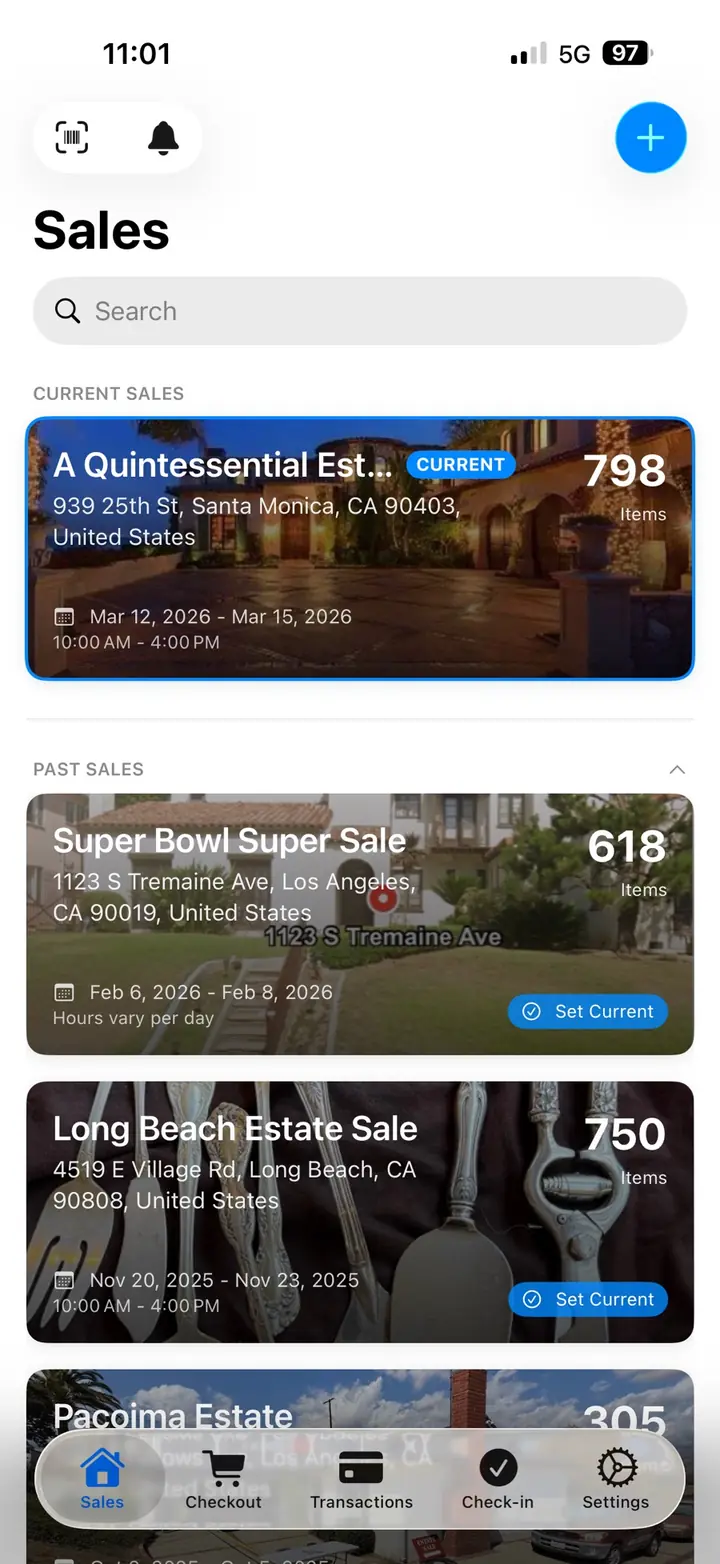
Real EstateSail screens for sales, inventory and pricing, labels, checkout, and the client report.

EstateSail sales list on iPhone, with upcoming and active sales
Sales
EstateSail item screen with photos and an AI price recommendation
Pricing
EstateSail label preview with title, price, and room
Labels
EstateSail checkout cart on iPhone
Checkout
EstateSail client report on iPhone
Report

See the complete workflow on your time.

Watch inventory, pricing, labels, checkout, online sales, and reporting in one walkthrough. Book a live 1:1 if you want to discuss your operation. Your first sale is on me.