01
Inventory
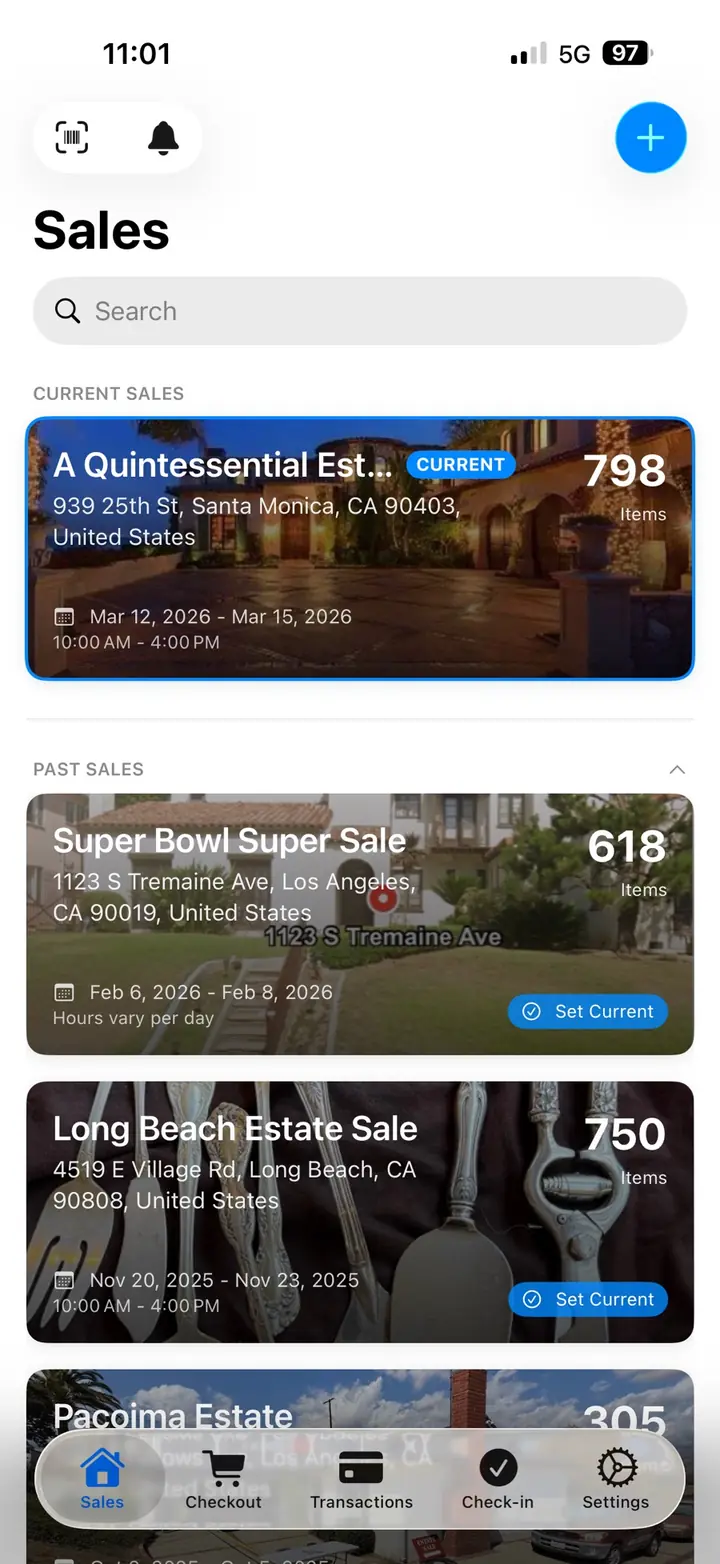
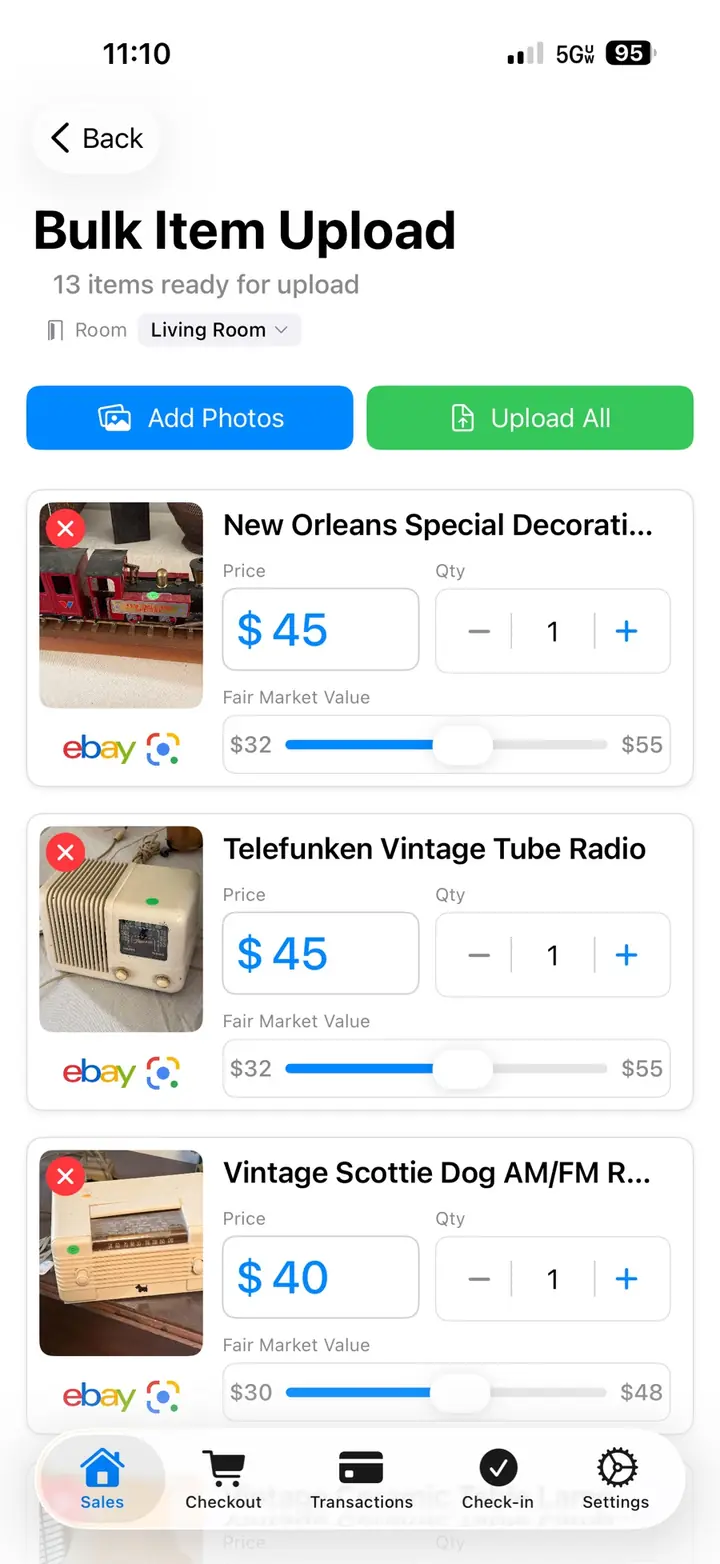
Create the sale with the address, dates, and rooms. Photograph items on iPhone or iPad, or upload a batch of images in the web dashboard. AI drafts a title, category, and price range for your review. Your inventory stays available on every signed-in device.
Use Google Lens and eBay sold listings when you want more context before setting the price.
Watch this part
02
Price and label
The price lives in inventory. Print a barcoded label from your phone with the title, price, and room. Bulk print before the sale, or print on sale day. If a price changes, update inventory and reprint that label.
Label the items that need it. Every register still reads the same price when more than one lane is open.
Watch this part
03
Sale day checkout
Customers check in from a public link, get a queue number, and a QR code. The door sees who is waiting, who arrived, and who did not show. The queue can reset each sale day.
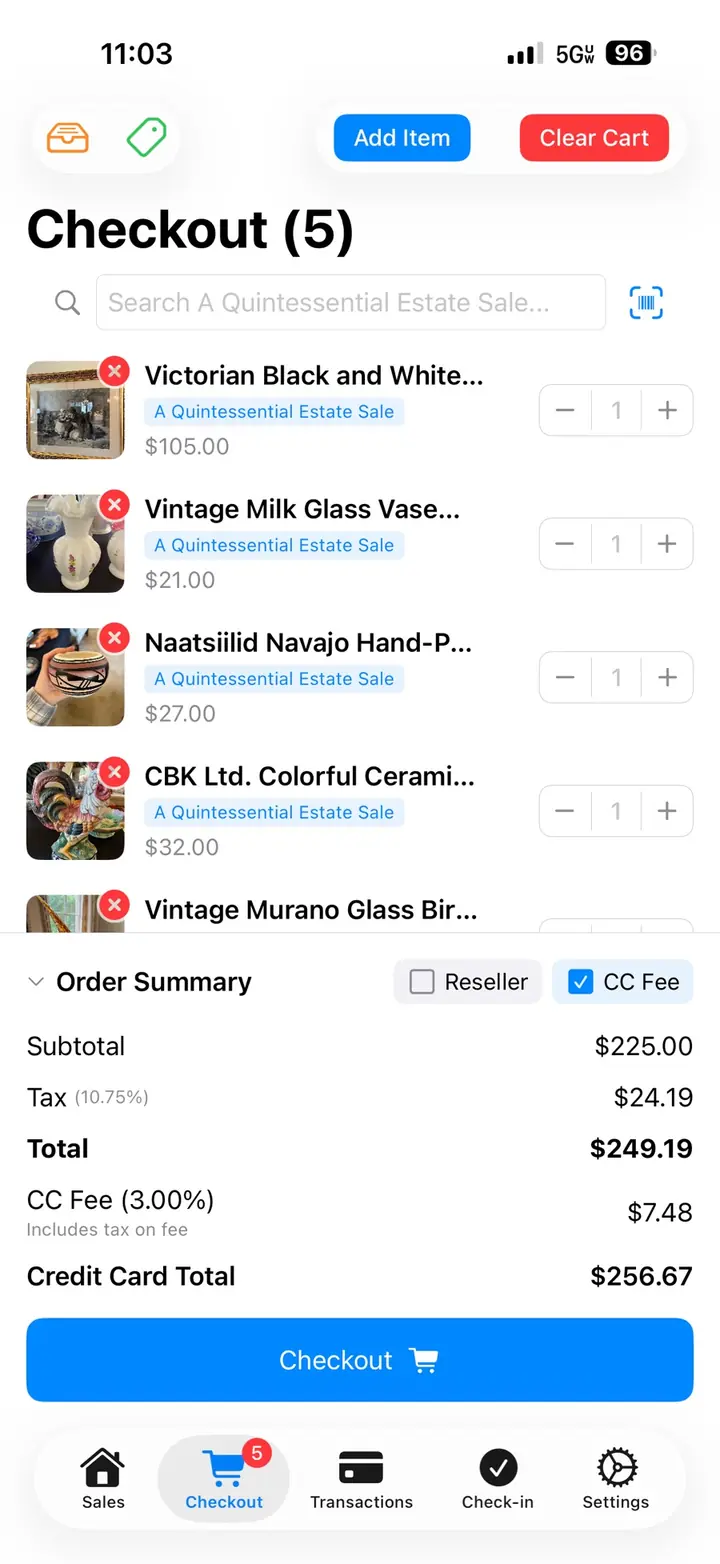
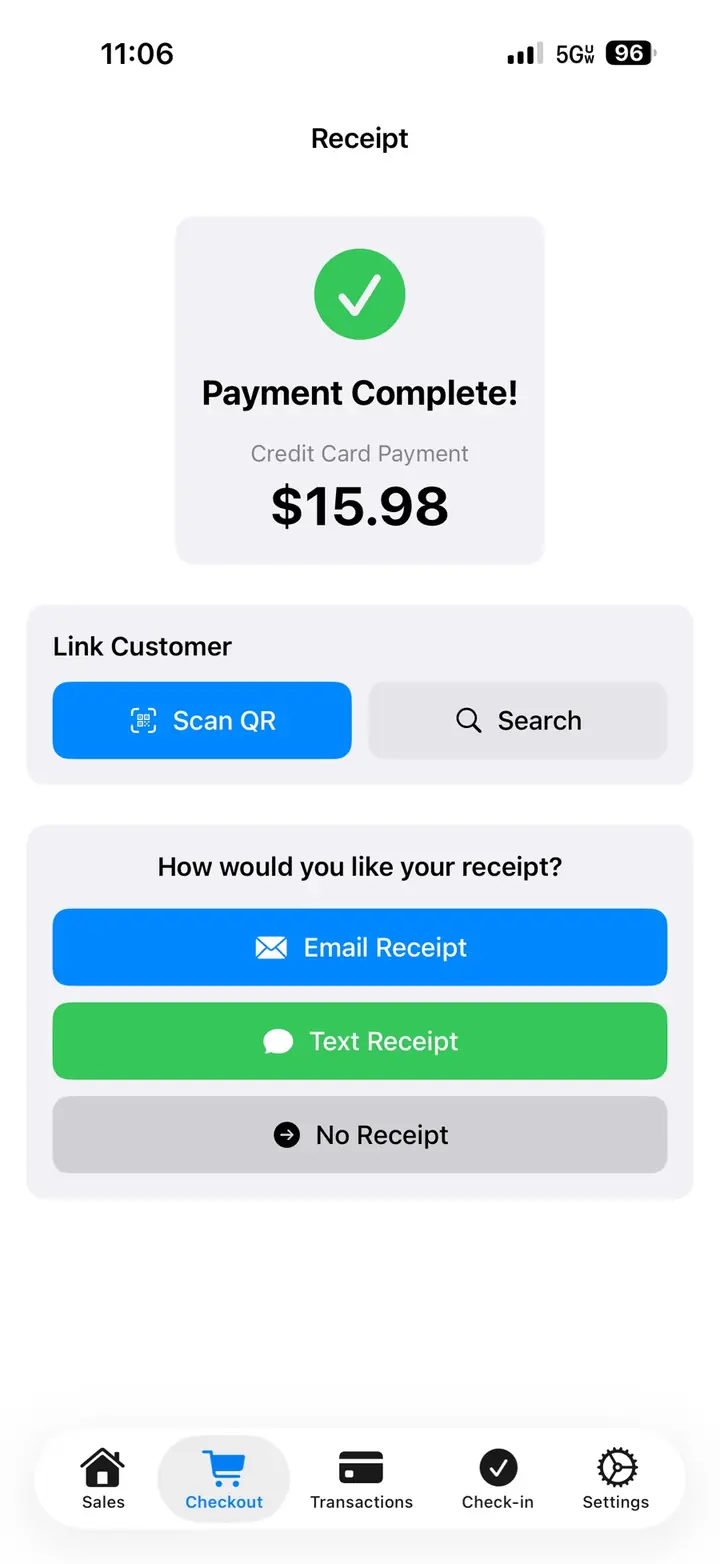
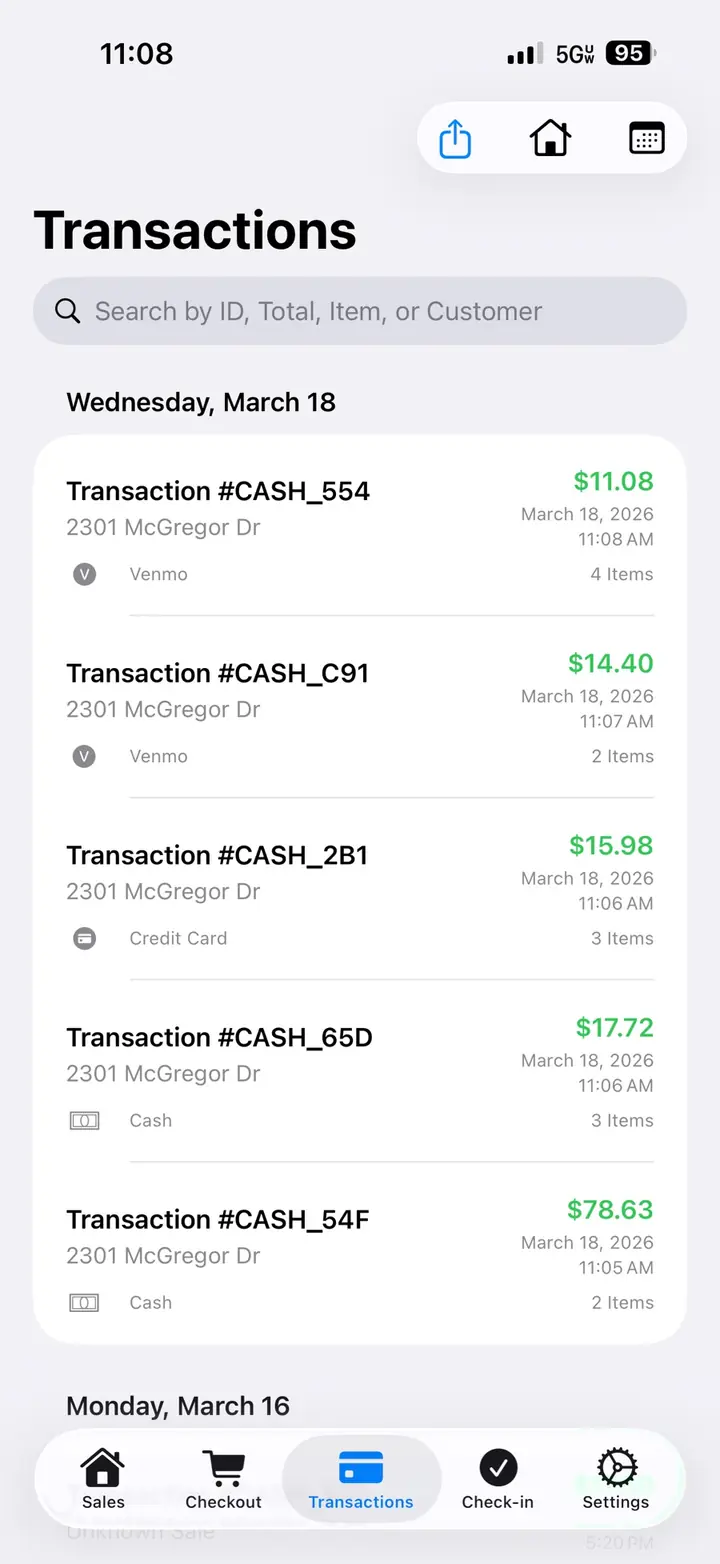
At the register, scan the label into a cart. Take cash or cards with Square or Stripe. Square also supports Tap to Pay on iPhone. Split a tender when you need to. Email an itemized receipt. Park a cart if a buyer steps away. Add a second register without a second set of books.
Watch this part
04
Reports and online sales
Checkout records become the report: revenue, sold items, and a breakdown you can review with the client as a PDF or CSV.
When you want to sell items online, list from the same inventory on the EstateSail marketplace. In-person sales update online availability, so your crew does not maintain a second list.
Watch this part