
What's New in EstateSail 1.5.2
EstateSail 1.5.2 is live on the App Store for iPhone and iPad. Thank you to every liquidator who sent us notes from real sales. This update adds a Business Statement for every sale, lets you move items to another sale without changing their barcode, sharpens item identification, and fixes a launch crash on iOS 27.
Know what every sale actually made
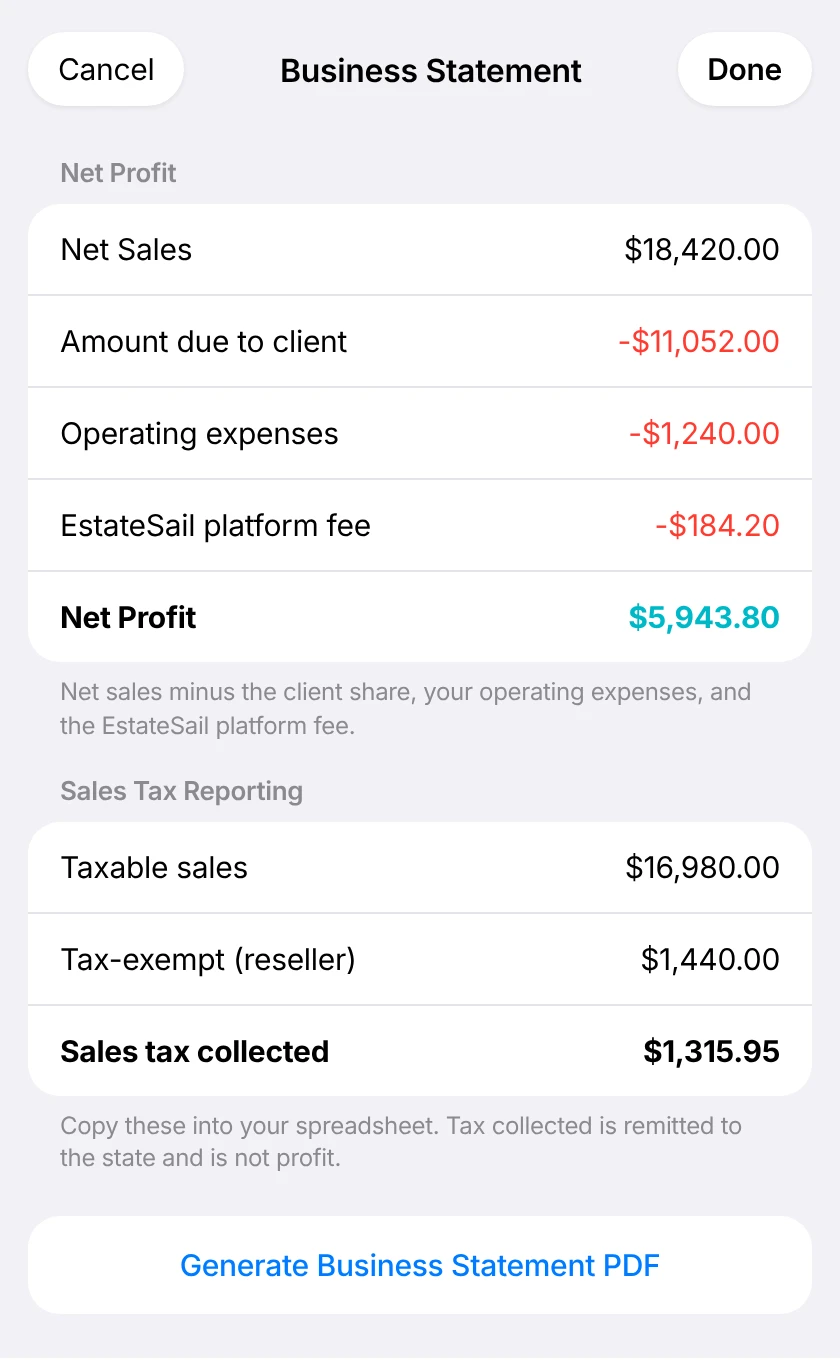
The new Business Statement shows a sale's profit and loss: net sales, the amount due to your client, your operating expenses, and net profit. Sales tax totals are ready to copy into your books, and you can save the whole thing as a PDF.
- Business Statement. Profit and loss with expenses and sales tax totals, saved as a PDF.
- Client Settlement remembers your work. Your commission, deductions, and edits are still there when you leave and come back.
Move items between sales, keep the barcode
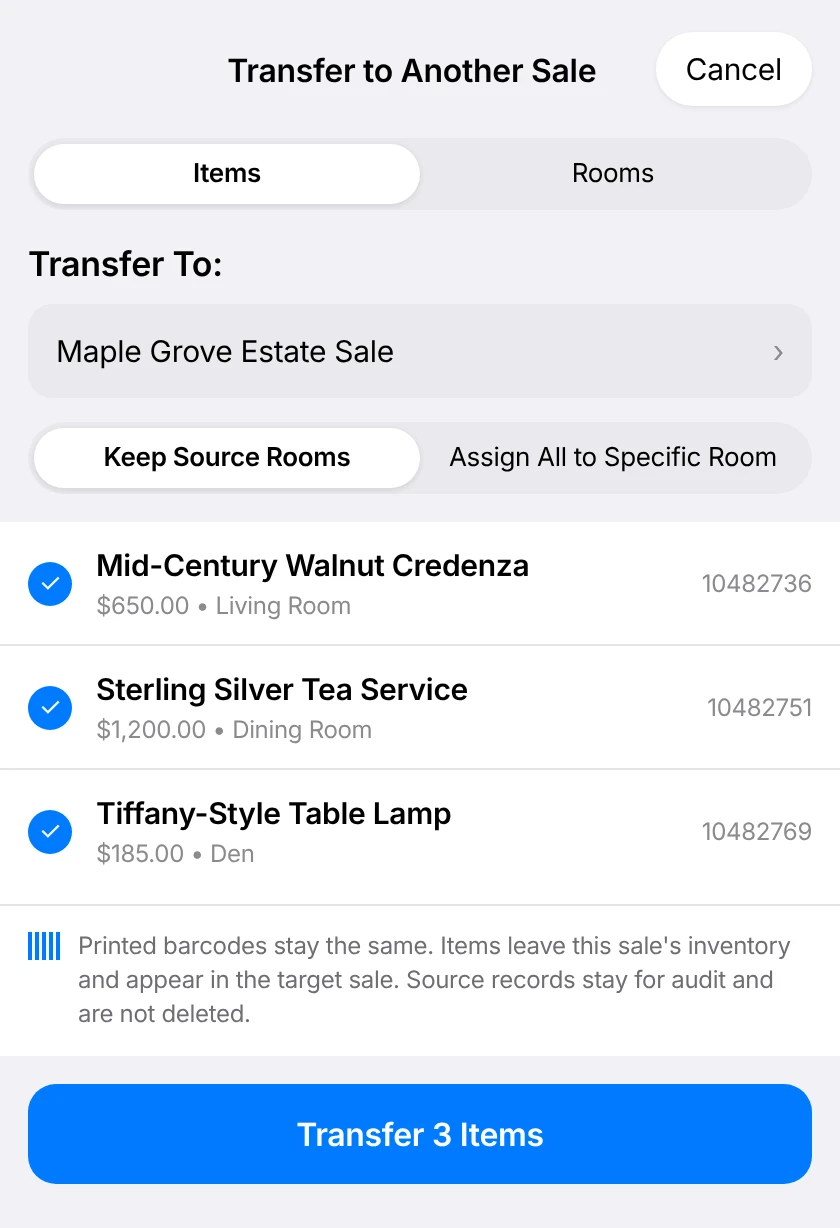
Pick items in Bulk Edit, choose Transfer to Another Sale, and they move over with the same printed barcode. No relabeling, no lost history.
- Keep rooms or reassign. Keep each item's room or send everything to one room in the new sale.
- Sharper item identification. The AI reads maker's marks and labels more accurately.
A clean record of every price
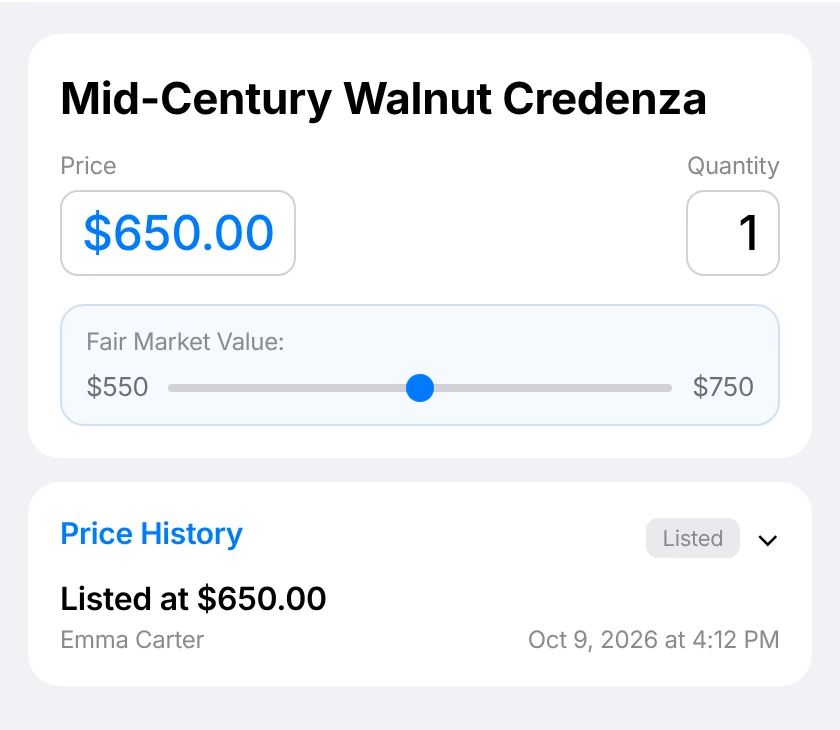
Each item now starts with a "Listed at" entry, and edits made while an item is still in review no longer clutter the history.
Counts you can trust at the door
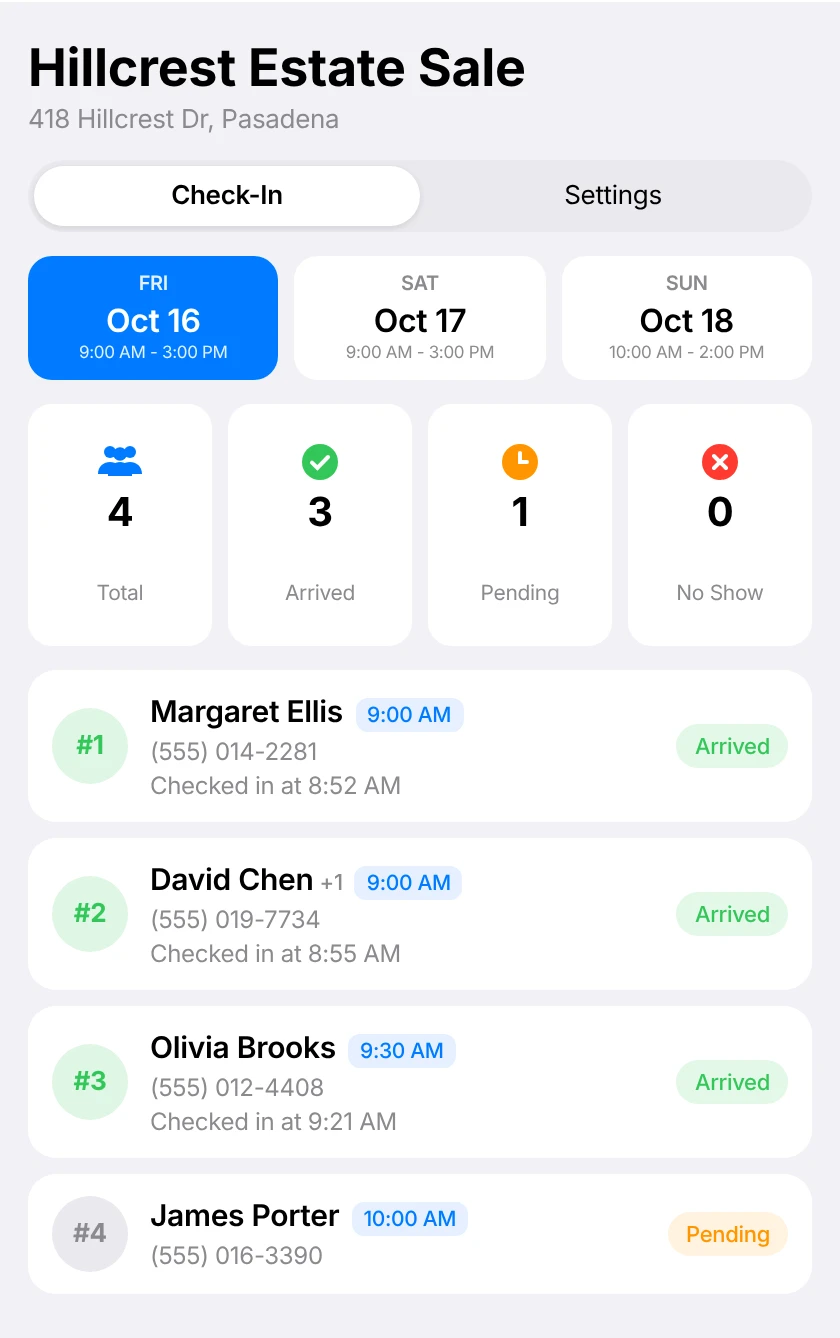
Each booking counts once, so plus-ones no longer inflate the staff schedule's X of Y count.
- Clearer scan feedback. You'll know right away when a check-in QR code or barcode scan fails.
- No more freezes on bad codes. A bad scan code is handled safely, so check-in keeps moving.
Stability
- Fixed a crash at launch on iOS 27
- Various reliability improvements
Get the update
Open the App Store on your iPhone or iPad and update EstateSail, or turn on automatic updates so you always have the latest version. New to EstateSail? Watch the walkthrough or download the app and run your first sale on us.