

Multi register estate sale checkout means two or more devices (usually iPhones or iPads) ringing carts from the same inventory at the same time, so the line isn’t stuck behind one kitchen-table laptop. For professional liquidators, that’s the difference between a busy sale day that still runs smoothly and a porch that turns into a pricing fight while buyers wait with lamps in both arms.
Sale-day ops for crews who already know how to move a house. Steal the staffing habits that fit.
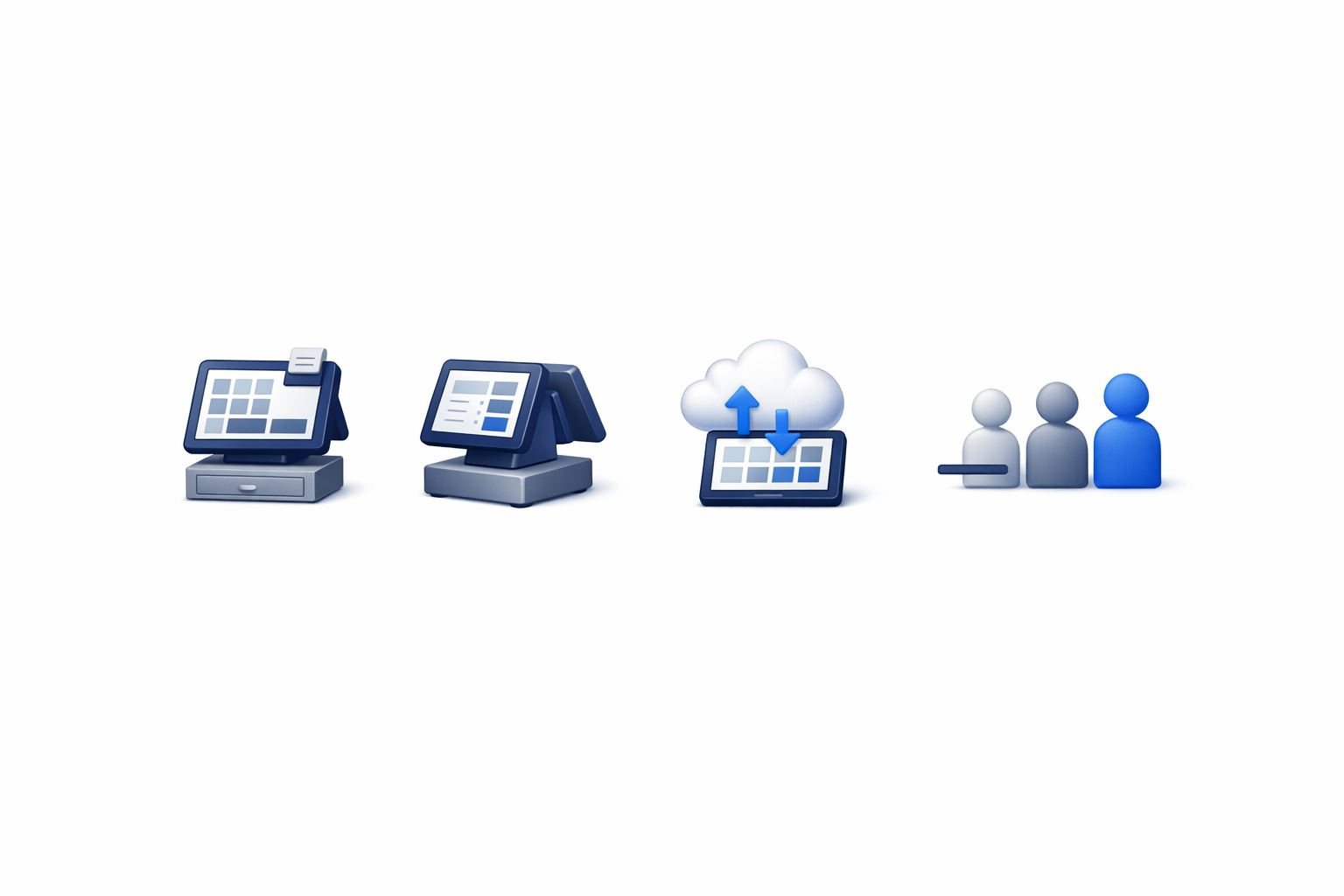
Why one register dies on a real sale day
A soft open with a trusted crowd can survive one register. A professional liquidation sale usually can’t.
One bottleneck creates:
- Buyer heat: Lines invent complaints. Complaints invent “what did we price this?” moments you already solved during pre-sale setup.
- Floor bleed: Helpers leave rooms to “help checkout,” then the garage is unsupervised.
- Paper crutches: When the single device can’t keep up, someone starts writing tickets again. That tax compounds at close (ditching paper tickets).
- Ugly close math: One hero phone, three envelopes, and a spreadsheet apology tour after the family leaves.
Multi-register isn’t luxury gear theater. It’s capacity planning, same idea as staffing the door.
For the full run-of-show, keep estate sale day checklist next to this piece.
What “multi-register” actually means
Not three Square bricks fighting for the same Wi‑Fi story with three half-finished inventories. Real multi register estate sale checkout looks like:
- One inventory, many carts: Every register device sees the same priced inventory. Scan a barcode; the cart gets that price, not a junior’s best guess.
- Parallel lanes: Cash-heavy, card-heavy, or mixed. Two devices beating one hero tablet. Busy houses often want a floater who can open a third cart when furniture walks.
- Same tender options where you need them: Cash float ready. Cards via Square and/or Tap to Pay on iPhone (XS+) so contactless doesn’t wait on a buried reader (Tap to Pay estate sale).
- Parked carts: “I’ll grab my spouse / trailer” doesn’t mean rebuild the cart from memory while the line grows.
- One sold trail: Discounts, tax, receipts, and solds land in the same story that feeds settlement, not three Notes apps and a carbon pad.
If registers don’t share truth, you didn’t add capacity. You added versions of reality.
How many registers do you need?
Enough that the line never becomes the product. Rough operator heuristics (not invented benchmarks):
| House vibe | Starting point |
|---|---|
| Soft / appointment / tiny crew | 1 register + a charged backup device |
| Typical sale-day open | 2 devices live before early birds |
| Furniture / gated / franchise volume | 2 to 3, plus a floater who can open a lane |
Assign roles before open:
- Door stays door (check-in / queue); don’t steal them for checkout mid-rush
- Primary checkout owns the main table
- Second lane owns overflow (cards often move faster with Tap to Pay on a dedicated iPhone)
- Floater only opens when carts stack, not “everyone is a register by accident”
Older iPhones still help for inventory and door duty. Put card-taking on the devices that are actually ready for it.
Sale-day setup that makes parallel checkout work
Multi-register fails when prep fails. Night-before / morning-of:
- Money items labeled: Scan checkout is what makes a second register feel fast. Lot junk drawers; barcode the pieces that matter.
- Hardware charged and paired: Phones/iPads, scanners, label printer. Test scan → cart add on each register device, not just the lead’s phone.
- Card paths logged in: Square where you use Square; Tap to Pay enabled on compatible iPhones. iPad lanes usually need a reader, so plan that before the HOA is watching.
- Tax and fee rules decided: Match tax habits with Square. Decide pass-through vs absorb before open so nobody is sticky-note calculating at 11 a.m.
- Cash float counted once: Per lane or one shared till with a clear owner. Ambiguous float is how you invent variance theater at close.
- Lane map posted for crew: Where buyers queue, where bags go, who calls the floater. Buyers follow your choreography if you have one.
Slow lines create pricing fights. Fast lines create return shoppers for your next sale, and cleaner packets for the family.
Single-register sale day vs multi-register sale day
| Job | Weak sale day | Stronger sale day |
|---|---|---|
| Capacity | One laptop / one brick | Two+ devices, same inventory |
| Prices | Rewrite / yell / paper tickets | Scan labels into the cart |
| Cards | Hunt the reader | Tap to Pay on iPhone XS+ and Square where needed |
| “Be right back” | Rebuild cart from memory | Parked cart |
| Close | Envelope archaeology | Checkout trail → settlement |
Cash and neighbor discounts still work. Put them in the cart so the packet stays honest.
Objections from the porch (and the franchise office)
“We don’t have that many iPads.”
You don’t need a fleet of new tablets. Phones you already own (especially for Tap to Pay on iPhone XS or later) plus one screen-heavy iPad with a Square reader is a common mix. Field work is iOS; web covers the office.
“Won’t two registers confuse the sold list?”
Confusion comes from disconnected systems. Shared inventory + scan carts is how parallel lanes stay coherent. Separate clipboards are what create double-sells and mystery solds.
“What if signal dies?”
Charged devices, hotspot backup, a rehearsed fallback, not an instant return to paper tickets as a second half-system. One source of truth beats two broken ones.
“We’re fine with Square alone.”
Square is a real payment path. Keep it. The gap shows up when payments are the whole sale-day OS: door clipboard elsewhere, prices elsewhere, settlement rebuilt later. Multi-register checkout belongs with inventory, labels, check-in, and settlements: the full stack, not a dongle count.
FAQ
What is multi-register checkout at an estate sale?
It’s running two or more checkout devices (typically iPhone/iPad) against the same inventory so buyers can pay in parallel. That’s multi register estate sale POS in plain English: capacity, not a second orphaned terminal.
Do both registers need Tap to Pay?
No. Put Tap to Pay on iPhone (XS+) on the lanes that will take contactless. Keep Square readers for iPads, insert/swipe needs, and backup. Mix is normal; religion about one tender path is not.
Can multi-register work without barcode labels?
Barely, and it won’t feel fast. Without scannable prices, every cart becomes retyping and negotiation. Labels are what let a second register earn its keep. Paper tickets recreate the bottleneck you just staffed around (ditching paper tickets).
How does multi-register help client settlements?
Every cart that rings cleanly (items, discounts, tax, tender) feeds the sold trail. Parallel lanes only help close if they write to one story. That’s how you aim for a same-day itemized packet instead of next-day reconstruction.
Is multi-register overkill for small houses?
Sometimes. Tiny soft opens can live on one device plus a charged spare. The moment early birds stack and furniture walks, a second live cart is cheaper than a porch meltdown. Staff the house you actually booked.
Soft next step
If “one hero phone at the kitchen table” is still the plan, you’re leaving line speed on the porch. EstateSail is built for multi-register checkout that keeps up: scan carts on iPhone and iPad, Square where you need it, Tap to Pay on iPhone (XS+) where contactless wins, parked carts, and a trail that still makes sense at settlement.
Your first sale is free. Run the next house with parallel registers instead of a single bottleneck, feel what a shorter line does to your sale days, and decide if you miss the kitchen-table choke point. After that first real sale, most crews don’t.
When you’re mapping the full day, keep estate sale day checklist next to Tap to Pay estate sale, ditching paper tickets, and features. Checkout only runs smoothly when the rest of the stack matches.